Screen and touch problems
Tell us whether the picture is visible, finger touch works, or the display is black while the phone still rings. Include any cracked glass or previous repairs.

Galaxy Note & older Samsung repair · Dothan AL
Selectel Wireless · 1558 Montgomery Hwy #3
Still relying on a Galaxy Note or an earlier Samsung phone? Tell us the exact model, what is wrong, and what you want to keep using it for. Our Dothan team will check repair options and parts before you commit.
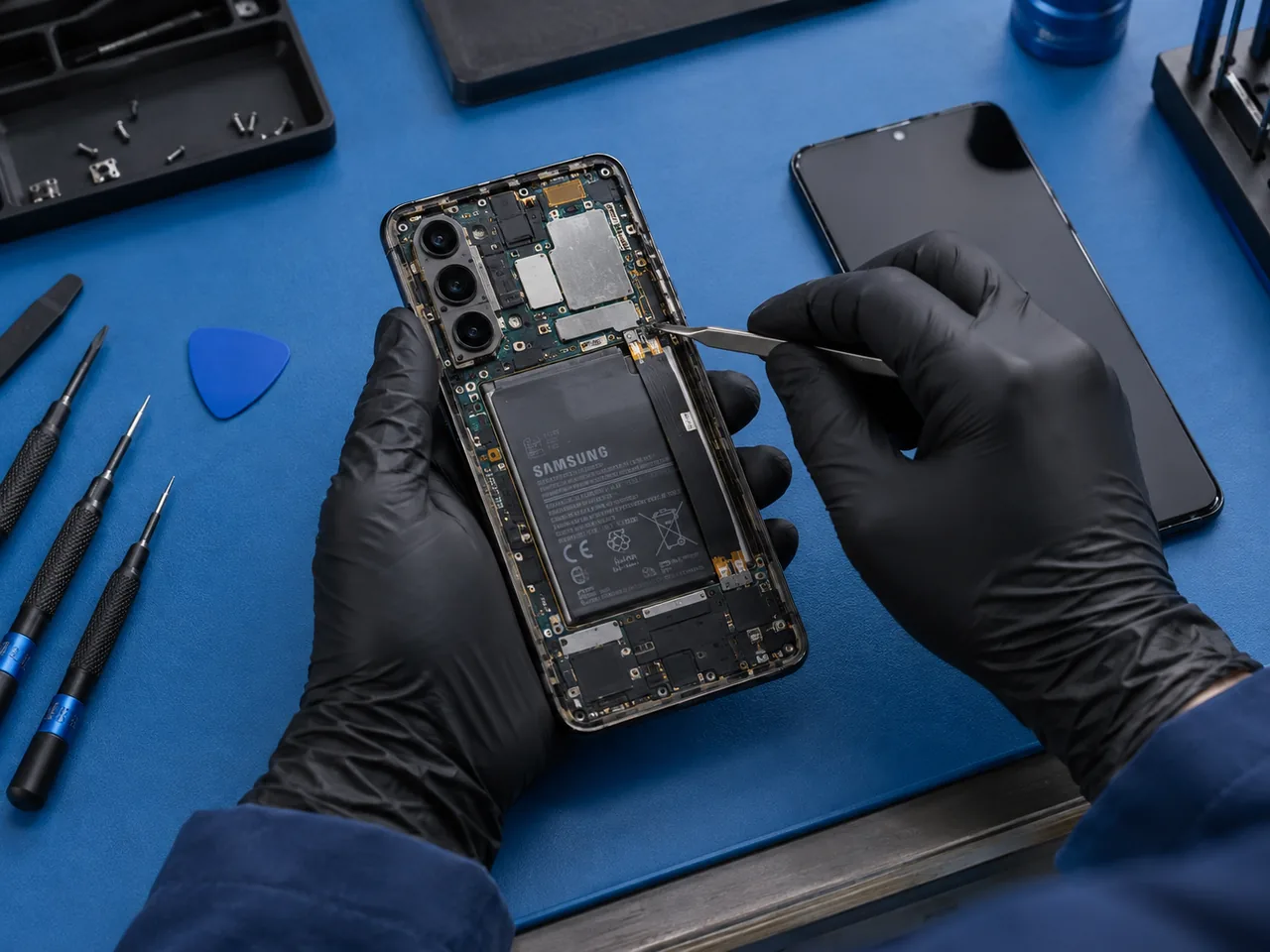
Start with a free quote
Share the full model name or number, whether it turns on, and any screen, charging, battery, or S Pen concerns. Older-device parts and repair options need individual confirmation.
Text REPAIR to 844-957-1246 and we will respond with a free repair quote.
Galaxy Note and earlier-model questions
An older phone may still be part of your daily routine or hold photos and notes you value. Explain whether your priority is using it every day, addressing a specific fault, or understanding the available options.
Tell us whether the picture is visible, finger touch works, or the display is black while the phone still rings. Include any cracked glass or previous repairs.
Mention short battery life, unexpected shutdowns, or a phone that has been unused for a while. An assessment is needed before recommending a part.
Describe what happens when you connect power and whether the cable connection feels loose. Availability of a charging-related repair depends on the exact model.
Explain whether the issue is writing, recognition, or another pen function, and whether finger touch still works. Do not assume every pen problem needs a new screen.
Share the full name and what still works.
We’ll explain the issue and options.
Pick what works best for you.
A better repair experience
For a Galaxy Note or another earlier Samsung model, start with a parts check. A familiar-looking phone or a family name alone is not enough to confirm an available screen, battery, or charging repair. Tell us about previous repairs and any additional damage.
Ask for the expected total and turnaround, then consider them alongside the phone’s overall condition and your plans for it. If access to stored photos or notes is your priority, say so before service. A repair inquiry does not guarantee that a nonworking phone or its data can be recovered.
Find your model in Settings > About phone. Samsung’s model lookup guide shows where to look. Share the model name or number for the quote; you do not need to post your IMEI or serial number.
For an S Pen that is not recognized, Samsung notes that cases, app compatibility, and software can affect recognition. See Samsung’s S Pen troubleshooting guide for model-appropriate checks, and describe the behavior when requesting an assessment.
Get a Free Samsung Repair QuoteLet the team know if you need dependable daily use or are mainly concerned about files on the phone. Available options should address that goal.
Mention any earlier screen or battery replacement, liquid exposure, or damage that was never repaired. It can change the assessment.
Older models need a current parts check. Call with the model number to discuss whether an assessment and repair option are available.
FIND YOUR GALAXY FAMILY
Contact us with the complete model number. Older-device inquiries are assessed individually, and this guide does not promise stock or support for every model. Other Galaxy family guides are below.
Built for Dothan
Selectel Wireless serves Dothan, Taylor, Cowarts, and the surrounding Wiregrass area with practical phone repair help and real people you can talk to in person.
Google reviews
Real experiences from people who chose Selectel Wireless for friendly local service and device repair.
Read all reviews“I would like to THANK Kaden at SELECTEL Wireless of DOTHAN located 1558 Montgomery HWY Ste 3 for the Quick Fix of my IPhone Screen.”
“The young man and woman working there were very friendly and professional. They quickly identified and fixed the issue with my iPhone.”
“Great customer service, they answered all questions and concerns and my phone was ready within an hour.”
Questions, answered
Practical answers about older-device repairs, parts, and what to ask before visiting.
Contact the Dothan team with the full model name or number and symptoms. Repairability and parts availability must be checked individually. This page does not guarantee a repair option for every older model.
If the phone is usable, open Settings and look for About phone to find model information. Menu names can vary. If you cannot access the phone, tell the team what information you have and ask for help confirming the model before a parts quote.
Not necessarily. Describe whether writing, recognition, or another pen feature fails and whether finger touch works. Samsung notes that accessories, app compatibility, and software can affect recognition. The issue needs assessment before a hardware repair is recommended.
First confirm the model, diagnosis, part availability, and quote. Compare the proposed repair with the phone’s overall condition, any other problems, and how long you intend to keep it. Battery symptoms alone do not establish that a replacement will solve every issue.
Tell the team that access to your files is a priority and explain whether the phone shows any signs of power. A repair assessment does not guarantee data recovery. Back up important information before service whenever the phone is still usable.
Timing depends on the exact model, diagnosis, current workload, and available parts. Same-day options may be available, but older-model parts must be checked before a completion estimate is confirmed.
Repairs are backed by a one-year parts and labor warranty. Ask the Dothan team about the coverage for the specific repair available for your phone.
Ready when you are
Start with the exact model and your priorities. Call our Dothan team or request a free repair quote.
More ways to save
Explore qualifying wireless programs, flexible device options, and local home internet. Eligibility, pricing, terms, and availability vary.
Explore Acima lease-to-own options for a new device at Selectel Wireless Dothan.
Explore AcimaExplore senior and Affordable Wireless Program plan options available through your Dothan store.
View PlansLearn about availability, service options, and straightforward setup for your Dothan home.
Explore Home InternetLocal offers for you, your phone, and your family.
Keep the phone you know. Save $25 on repairs over $49.99 with help from our local team.
Get a Free Repair Quote
You and a friend can each receive a $20 in-store credit when they activate a qualifying new line.
See Referral Rewards
Need more data or service for your household? Explore free phone offers and discounted plans for qualifying households.
Check EligibilityAWP is a separate plan option. Its $10 monthly discount applies to plans priced $25 or higher and does not apply to the $9.99 senior plan.
Serving Ozark and surrounding Dale County communities.