Model-specific display repair
Cracks, black areas, lines, or touch trouble need an assessment. LCD, mini-LED, and tandem OLED Pro assemblies are not interchangeable across the family.

Cracked glass, a dark display, battery trouble, or an unreliable port can put your iPad Pro workflow on hold. Our Columbus team can assess the exact size and generation, explain repair options, and check parts and timing before work begins.
Save $25 on repairs over $49.99
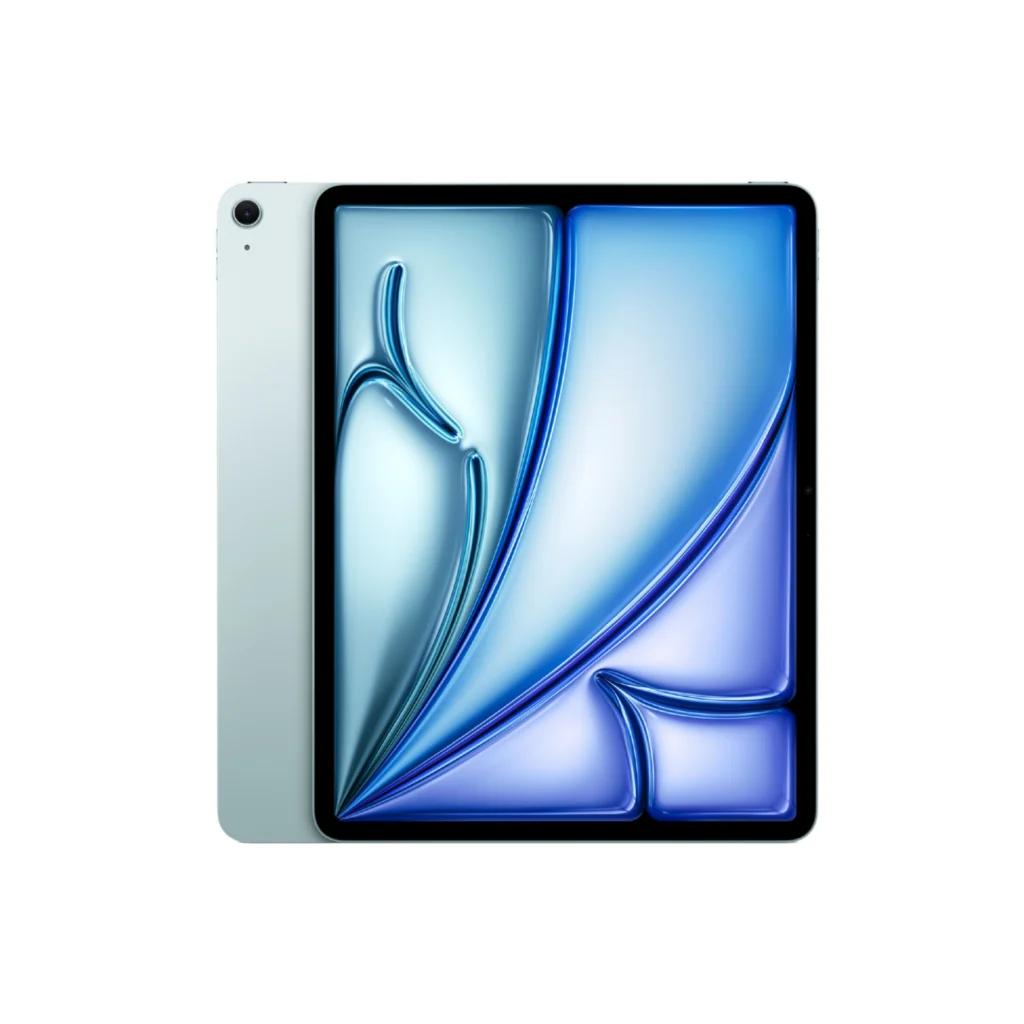
The generation and size help us check the right parts. Use the quick guide, or bring your tablet to our Columbus store for help.
9.7-inch, 10.5-inch, and early 12.9-inch models.
11-inch and 12.9-inch models with USB-C.
11-inch and 13-inch tandem OLED displays.
Open Settings → General → About and read Model Name. Tap the Model Number value to reveal the A-number. Share the name, size if shown, A-number, and repair issue when asking for a quote.
Look for an A-number in the small print on the back of your iPad. On some models, it is inside the charging connector instead. Cannot find it? Bring your iPad to our Columbus store and we will help identify it.
Share your iPad Pro generation and repair issue. We will help you understand the repair path, part availability, and expected timing before work begins.
Tap “Text Us Now” to start your free repair quote.
iPad Pro display technology changes across generations: earlier Retina and Liquid Retina LCDs, mini-LED on the 12.9-inch M1 and M2 models, and tandem OLED on the M4 and M5 models. Confirm the model and size so your quote matches the right screen and connector.
Cracks, black areas, lines, or touch trouble need an assessment. LCD, mini-LED, and tandem OLED Pro assemblies are not interchangeable across the family.
Tell us about unexpected shutdowns, short runtime, or power issues during ordinary use. We can assess the Pro and explain battery service options.
Early Pro models use Lightning, while 2018 and newer models use USB-C. Bring the cable, adapter, or accessory that triggers the problem so we can assess the connection.
Mention Face ID, Home button, or top-button trouble separately from screen damage. A display replacement should not be assumed to fix another affected component.
Describe which camera view, microphone, or speaker is failing. Later Pro models also have LiDAR; explain the symptom rather than assuming the display is the cause.
Do not charge the iPad Pro after liquid exposure. Bring it in promptly for assessment and tell the team about important data before any repair work.
Use these original-device specifications to identify your tablet. Repair options, part availability, and replacement-part features must be confirmed for your exact model.
Model numbers: A1584, A1652.
Apple technical specifications ↗Model numbers: A1673, A1674, A1675.
Apple technical specifications ↗Model numbers: A1701, A1709, A1852.
Apple technical specifications ↗Model numbers: A1670, A1671, A1821.
Apple technical specifications ↗Model numbers: A1980, A2013, A1934, A1979.
Apple technical specifications ↗Model numbers: A1876, A2014, A1895, A1983.
Apple technical specifications ↗Model numbers: A2228, A2068, A2230, A2231.
Apple technical specifications ↗Model numbers: A2229, A2069, A2232, A2233.
Apple technical specifications ↗Model numbers: A2377, A2459, A2301, A2460.
Apple technical specifications ↗Model numbers: A2378, A2461, A2379, A2462.
Apple technical specifications ↗Model numbers: A2759, A2761, A2435, A2762.
Apple technical specifications ↗Model numbers: A2436, A2437, A2764, A2766.
Apple technical specifications ↗Model numbers: A2836, A2837, A3006.
Apple technical specifications ↗Model numbers: A2925, A2926, A3007.
Apple technical specifications ↗Model numbers: A3357, A3358, A3359.
Apple technical specifications ↗Model numbers: A3360, A3361, A3362.
Apple technical specifications ↗Display sizes are Apple’s marketed sizes; rounded-corner viewable areas can be smaller. Specifications describe the original device. Ask the store about current repair options, especially for older generations.
Visit Selectel Wireless at 4400 2nd Ave Ste 1 in Columbus for practical tablet repair help. Call with your model and symptoms so our team can check repair options, parts, and expected timing before your trip.
Google reviews
Google review excerpts from customers who visited Selectel Wireless in Columbus for local service and device repair.
Read all reviews“Great services and prices always have done my repairs love their services”
“From the moment I walked in the staff was friendly knowledgeable and willing to help.”
“Ashley was so sweet and listened to all my concerns with my old phone.”
Need a quick answer before you visit? Start here, or call the Columbus store for model-specific options.
Open Settings → General → About and read Model Name. Tap Model Number to reveal the A-number, or look for it on the back or inside the connector if the screen is unusable. Our Columbus team can help identify the exact model.
No. Earlier iPad Pro models use LCD displays. The 12.9-inch fifth- and sixth-generation models use mini-LED backlighting with a Liquid Retina XDR display. The 11-inch and 13-inch M4 and M5 models use tandem OLED Ultra Retina XDR displays.
The 12.9-inch first and second generations, 9.7-inch Pro, and 10.5-inch Pro use Lightning. The 11-inch models and 12.9-inch third generation onward use USB-C, as do the 13-inch M4 and M5 models.
Tell us about Face ID trouble before work begins. Screen damage and Face ID faults can involve different components, so replacing the display should not be assumed to restore Face ID. The team can assess the symptoms and explain the available options.
The quote depends on the exact model, damage, required part, and current availability. Ask our Columbus team for a free quote before work begins. Ask about the current $25-off offer for repairs over $49.99 and applicable terms.
Timing depends on the model, inspection, required parts, and current workload. Same-day options may be available for some repairs. Call (706) 641-2021 to check the expected timing for your device before visiting.
Compare the repair quote with the device’s age, condition, software support, and how well it meets your needs. A single screen or battery issue may be worth repairing, while several faults may make replacement more practical. Parts availability must be checked.
Our Columbus repair team provides warranty support for the parts and labor used in your service. Ask the store to explain the coverage, exclusions, and terms for your specific repair before you approve the work.
Back up important data if the tablet works. Bring any cable or adapter involved in a charging issue, and tell the team about liquid exposure or important files. Walk-ins are welcome; call ahead to check parts and timing.
Visit our Columbus store or start with a free iPad Pro repair quote today.
Simple options that fit your needs and your budget.
Get an in-store cash quote for your eligible iPhone in Columbus.
Sell Your iPhone
Flexible lease-to-own options for devices, with a fast application.
Explore Acima
Local phone and device repair with $25 off repairs over $49.99.
Get a Repair QuoteLocal offers for you, your phone, and your family.
Keep the phone you know. Save $25 on repairs over $49.99 with help from our local team.
Get a Free Repair Quote
You and a friend can each receive a $20 in-store credit when they activate a qualifying new line.
See Referral Rewards
Need more data or service for your household? Explore free phone offers and discounted plans for qualifying households.
Check EligibilityAWP is a separate plan option. Its $10 monthly discount applies to plans priced $25 or higher and does not apply to the $9.99 senior plan.
Serving Ozark and surrounding Dale County communities.